TOEM 2 guide · reviewed 2026-09-30
Camera and photo puzzle guide
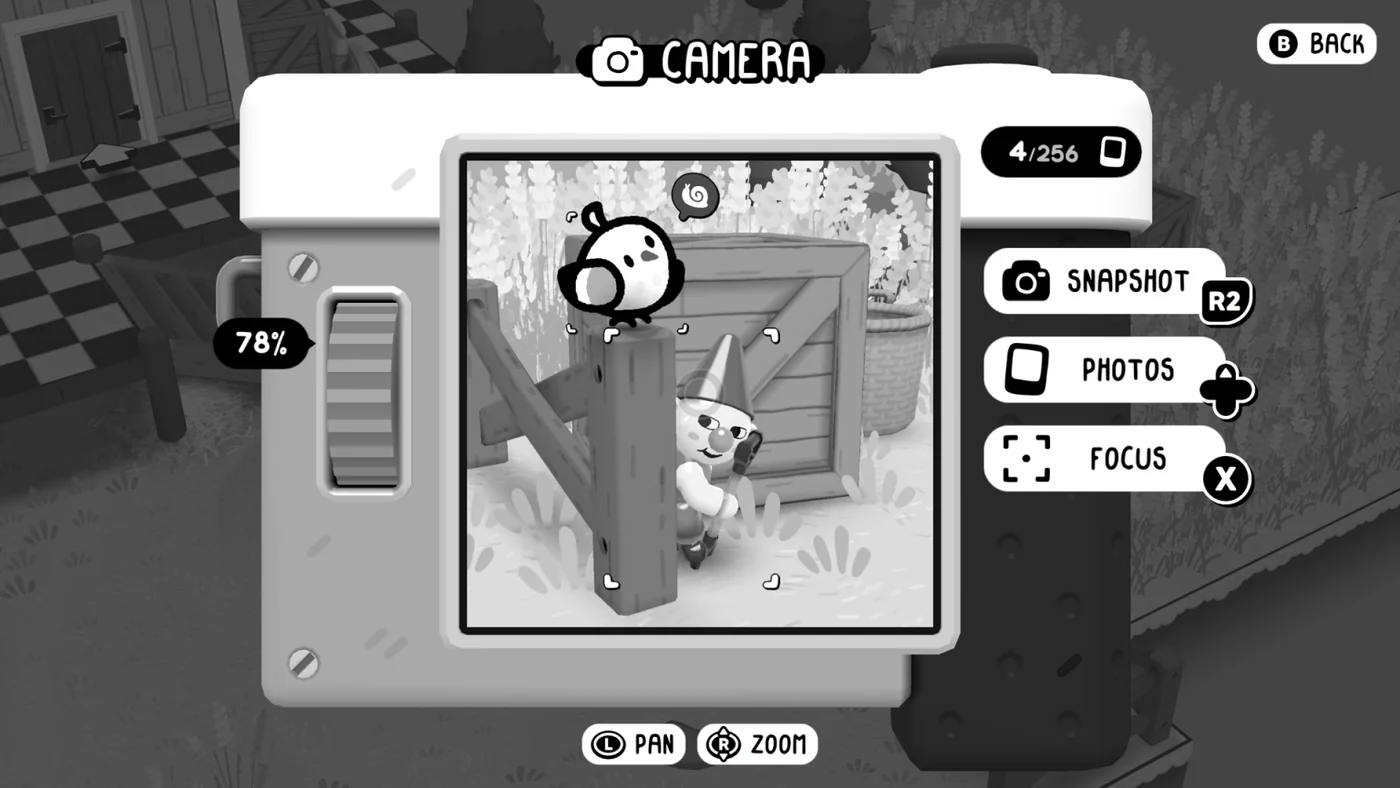
Frame the intended subject, adjust focus or view, then take the snapshot. If the journal still rejects the shot, inspect the prompt for a specific action, subject, or attachment requirement.
6 min read · Updated 2026-09-30
01 / Prerequisites
Prepare before you start
- ✓Enter a photo objective or camera interaction.
- ✓Read the exact journal prompt.
- ✓Know which camera attachment is available in the region.
02 / Route
Follow the sequence
- 01
Identify the required subject
Do not rely on a broad scene match. The journal or NPC request usually names the subject, action, or relationship that must appear.
- 02
Use camera mode controls
Official captures show snapshot, photos, focus, pan, and zoom actions. Adjust the view until the required subject is clear.
- 03
Frame the composition
If the shot needs another character, creature, or object, move the camera rather than the photographer whenever the interface allows it.
- 04
Check attachments
Region attachments change how photos are used. A valid image may still need an attachment before it can solve the environmental problem.
- 05
Verify the result
Look for a journal completion, discovery confirmation, or changed world state. A saved photo alone does not prove the puzzle is solved.
03 / Common mistakes
Do not make completion harder
Do not invent keyboard bindings from controller prompts.
A photo can be useful as documentation without completing the current challenge.
If a subject moves, wait for a stable frame instead of taking a marginal shot.
04 / Achievements
Goals connected to this guide
A Keen Eye
Complete all photo challenges
Group Photo
Take a group photo with all friends gathered!
Leave Your Mark
Decorate 5 photo frames around the world
Sightseeing
Photograph all sights in the game
05 / Related systems
Continue with the exact mechanics
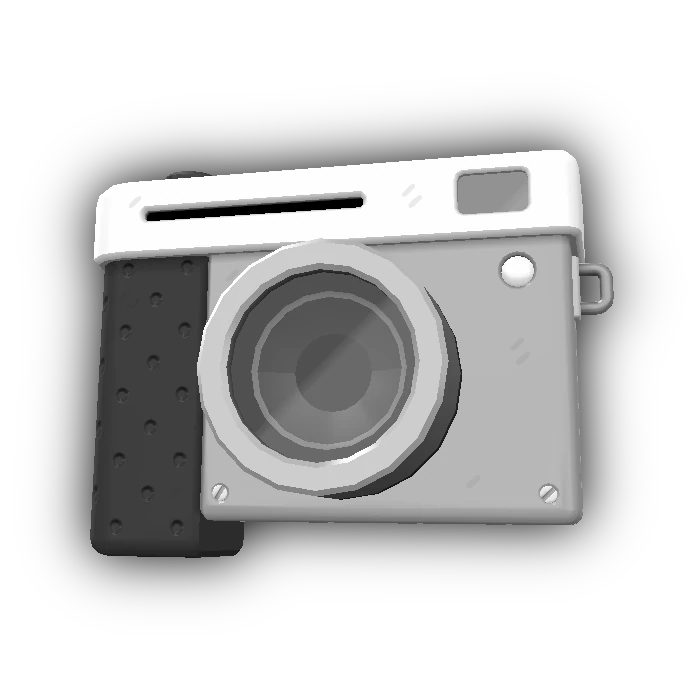
The camera is both the main interaction tool and the camera-mode interface. TOEM 2 adds attachments that solve region-specific problems beyond ordinary snapshots.
Photo Challenges are journal tasks that ask for a specific photograph. Completing every challenge unlocks A Keen Eye.
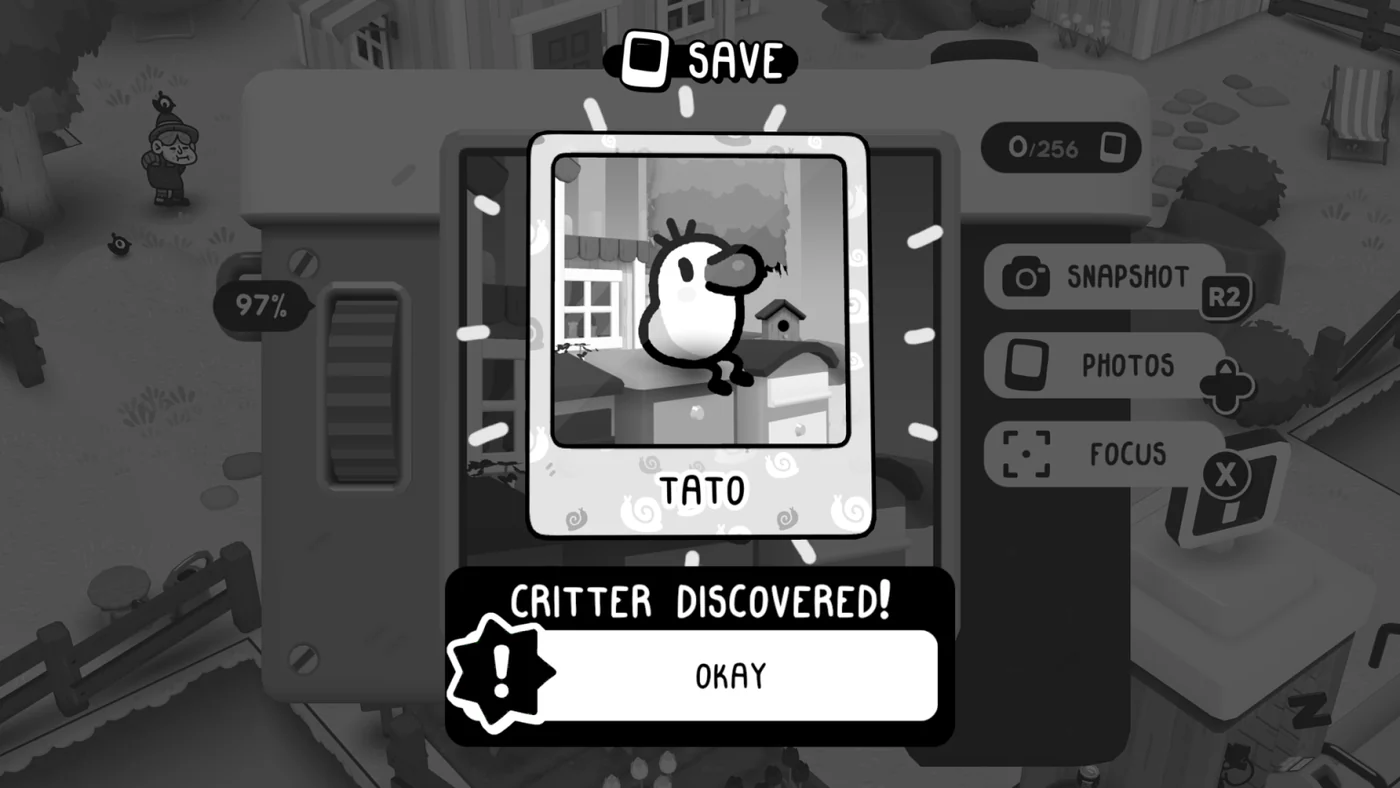
The critter compendium records creatures photographed in TOEM 2. Photographing every compendium critter unlocks Collect Them All.
06 / Sources