TOEM 2 · Photo
Camera & Attachments
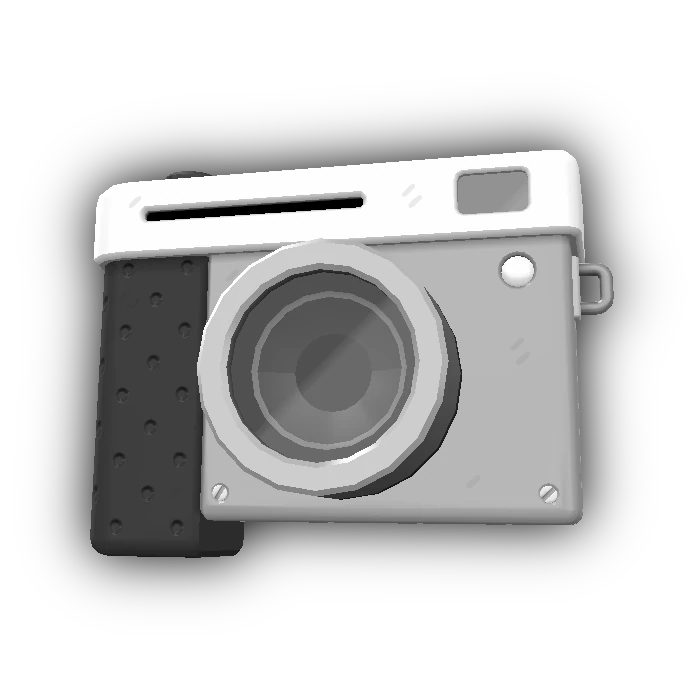
The camera is both the main interaction tool and the camera-mode interface. TOEM 2 adds attachments that solve region-specific problems beyond ordinary snapshots.
Short answer. Use photo mode to frame a subject, adjust focus, pan and zoom, then take the snapshot. If an ordinary photo does not solve the puzzle, check whether the current region expects a camera attachment or a different subject.
Reviewed 2026-09-30 · Official store description and interface capture
01 / Player path
How it works
Camera mode appears during ordinary play and in photo interfaces. The official promotional captures label snapshot, photos, focus, pan, and zoom actions; the store description confirms that attachments use photos in unconventional ways.
02 / Requirements
What to have ready
- 01
Enter camera mode.
- 02
Frame the intended subject.
- 03
Use focus, pan, or zoom when the composition needs adjustment.
- 04
Check region-specific attachment behavior before assuming a shot is invalid.
03 / Core facts
At a glance
- Core action
- Snapshot
- Photo-mode actions
- Focus, pan, zoom
- Saved images
- Photos library
- Expansion
- Region attachments
01Snapshots can solve puzzles, uncover secrets, and document discoveries.
02The official material describes attachments as tools rather than passive upgrades.
03Controller prompts are clearly visible in the official captures; this page does not claim keyboard bindings that the checked material does not publish.
04 / Achievements
Goals that use this system
A Keen Eye
Complete all photo challenges
Sightseeing
Photograph all sights in the game
Collect Them All
Photograph all compendium critters
05 / Continue
Related mechanics and guides
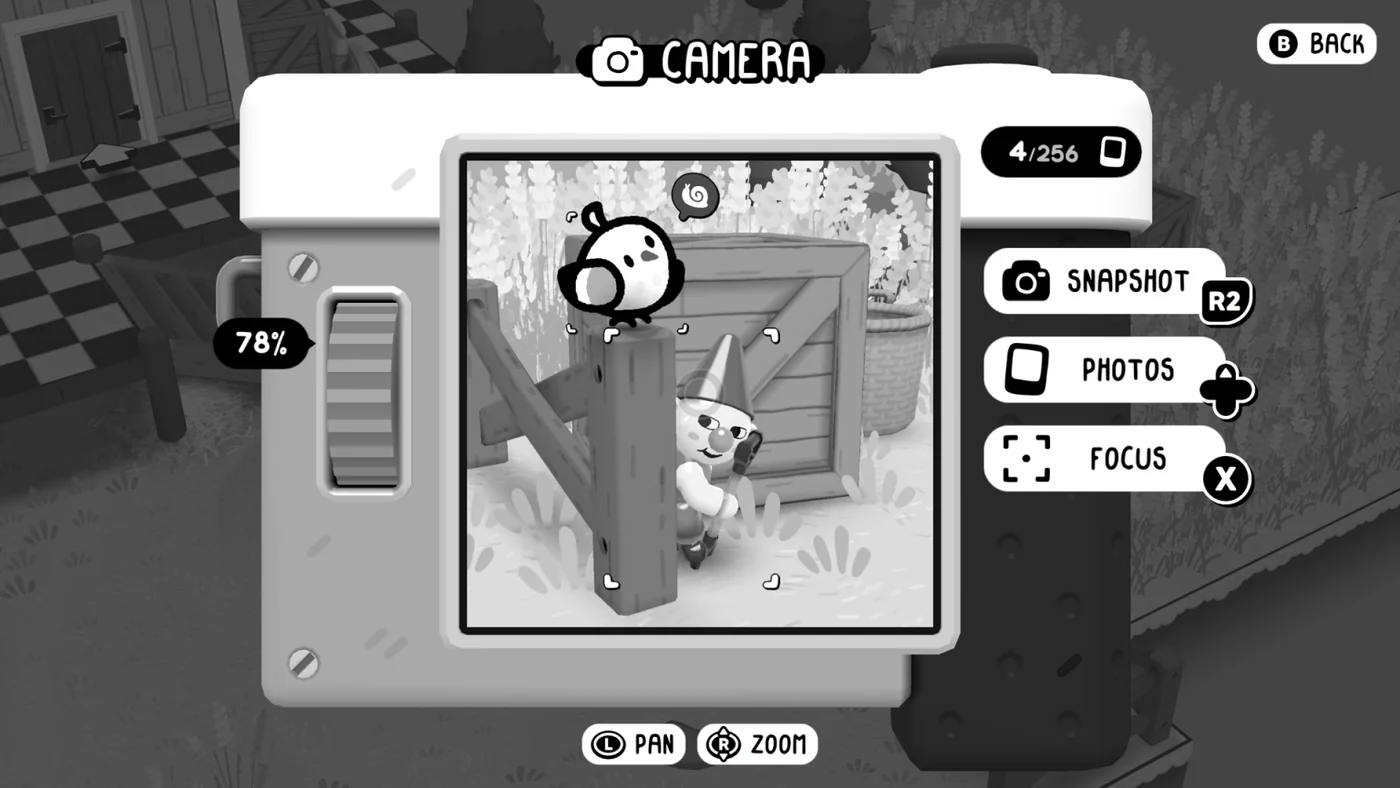
Photo Challenges
Photo Challenges are journal tasks that ask for a specific photograph. Completing every challenge unlocks A Keen Eye.
Open the guide →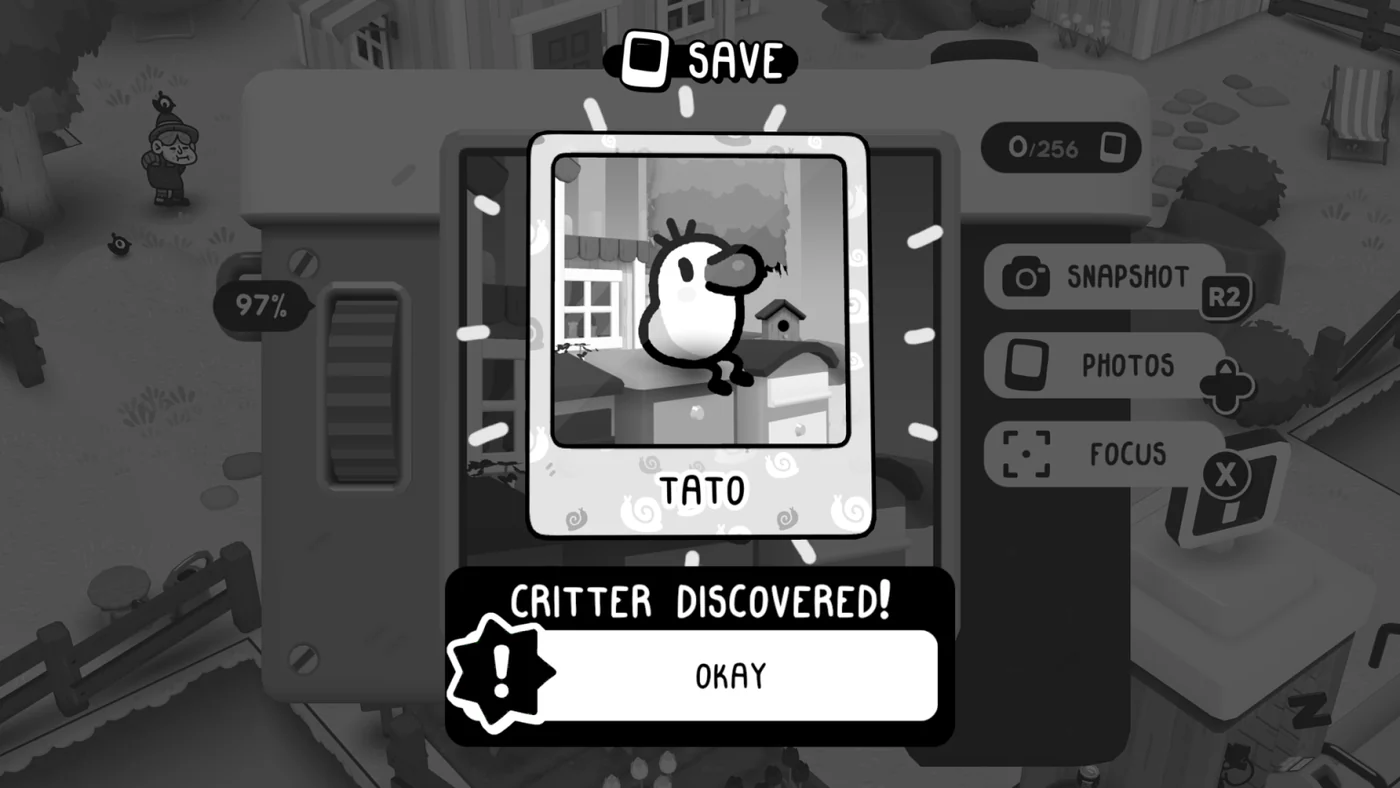
Critter Compendium
The critter compendium records creatures photographed in TOEM 2. Photographing every compendium critter unlocks Collect Them All.
Open the guide →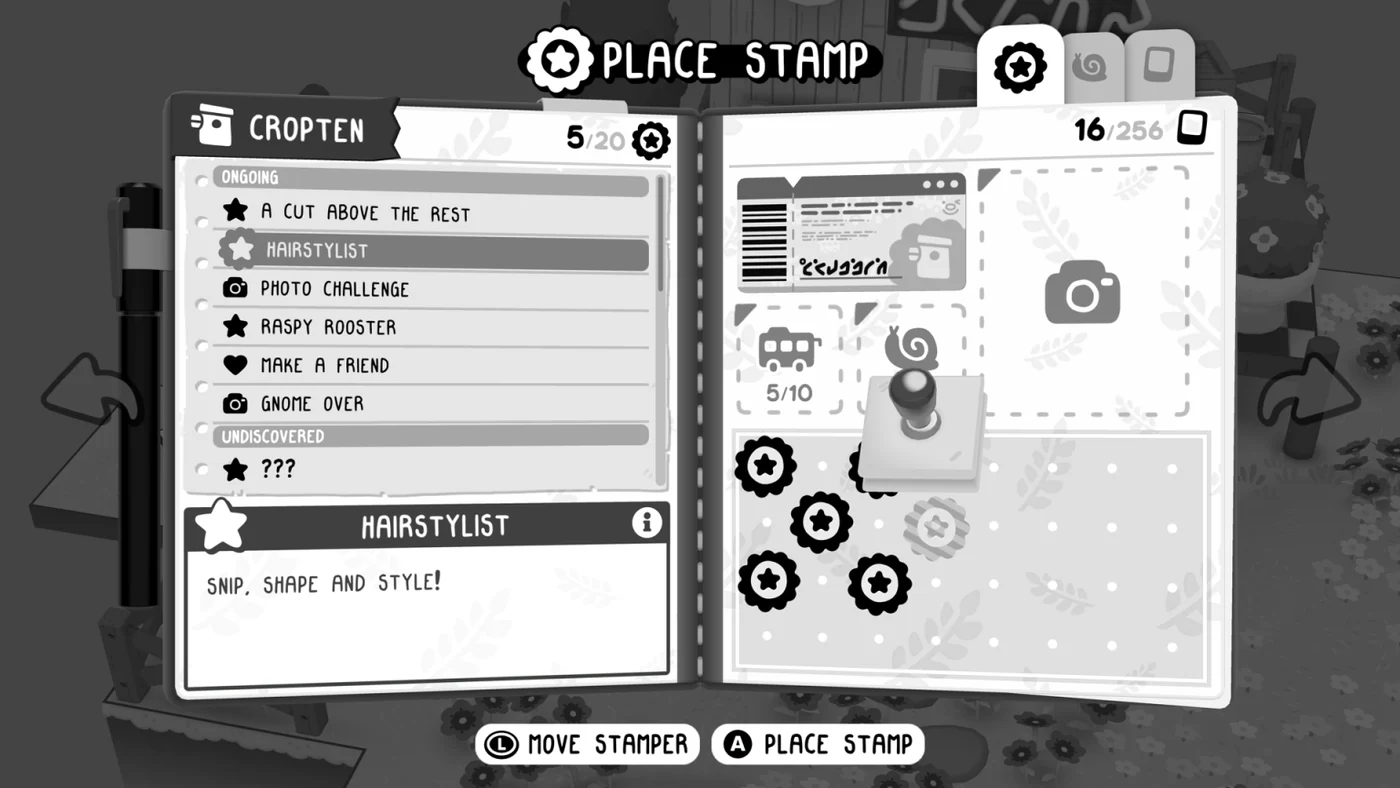
Journal Stamps
Journal stamps are the progression currency in TOEM 2. Quests, discoveries, and compendium work fill the journal, and enough stamps unlock the next region.
Open the guide →06 / Sources